
Peluncur Aplikasi Cepat
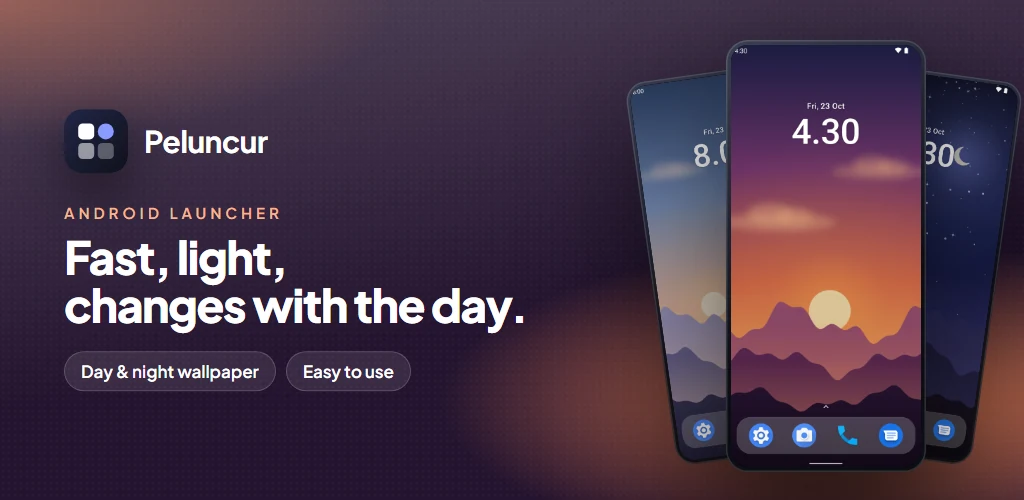
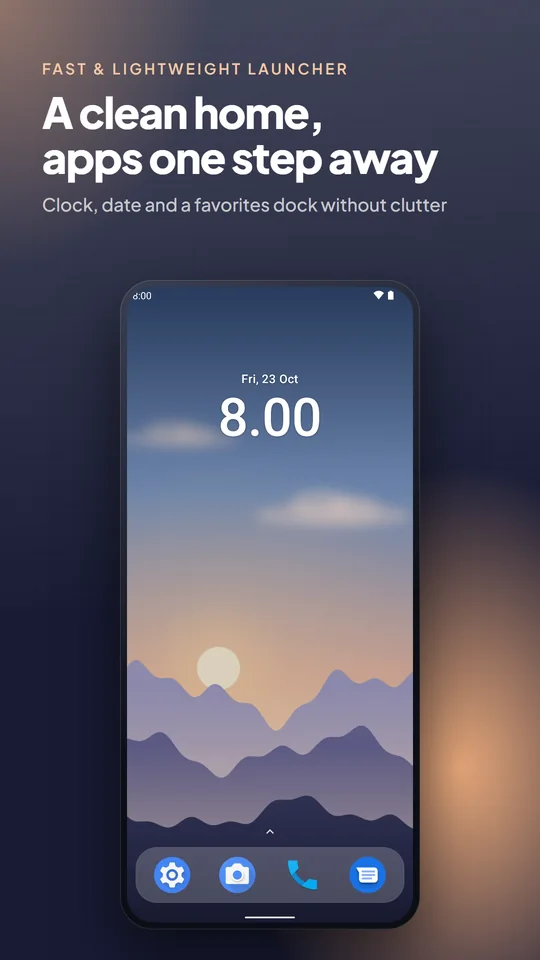
A fast, lightweight and easy-to-use Android launcher. Open your favorite apps in one tap, find any other app in one swipe, and enjoy a home screen whose wallpaper changes by itself from morning to night.
Screenshots
Key Features
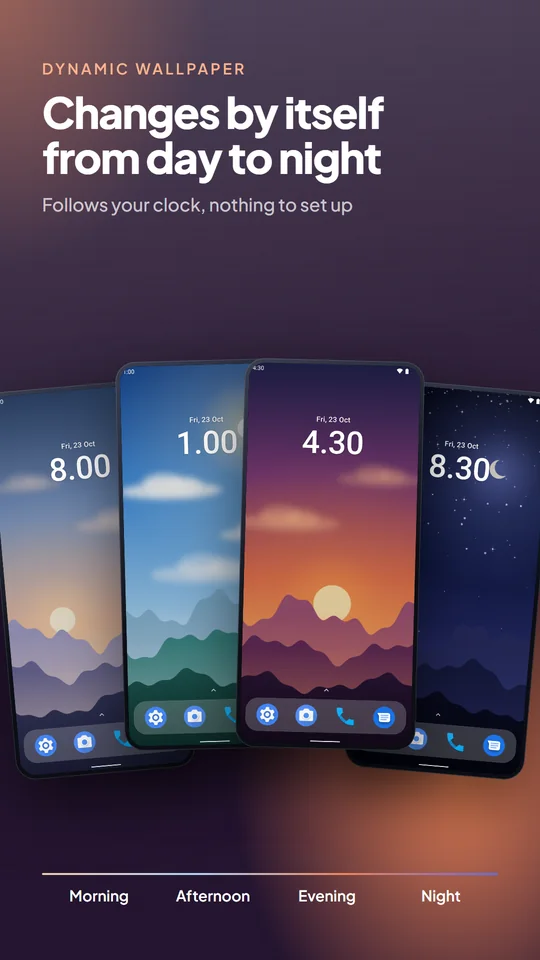
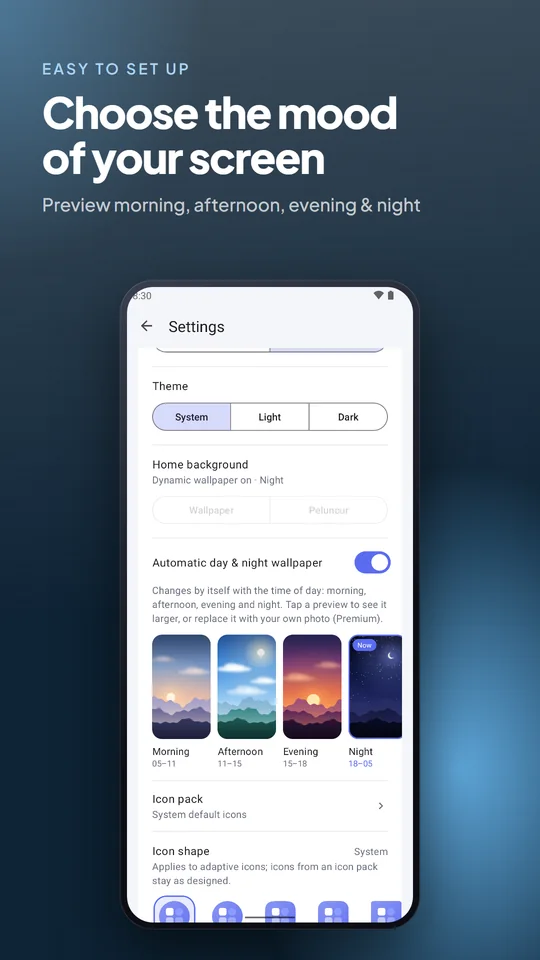
- Day & night wallpaperThe built-in wallpaper changes with your clock: morning (5–11), afternoon (11–15), evening (15–18) and night (18–5). On from the first launch.
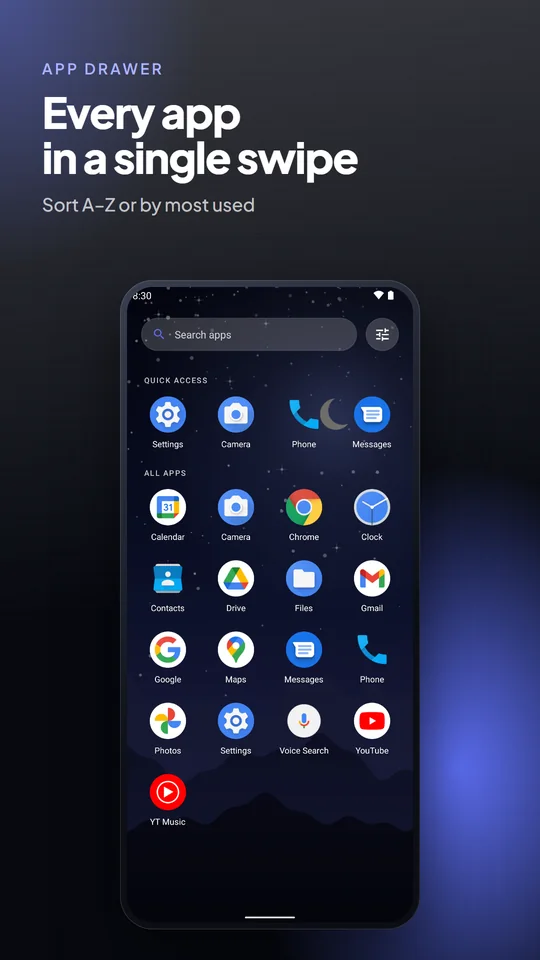
- App drawerEvery app in one swipe up, sorted A–Z or by most used, with a “Recently installed” section.
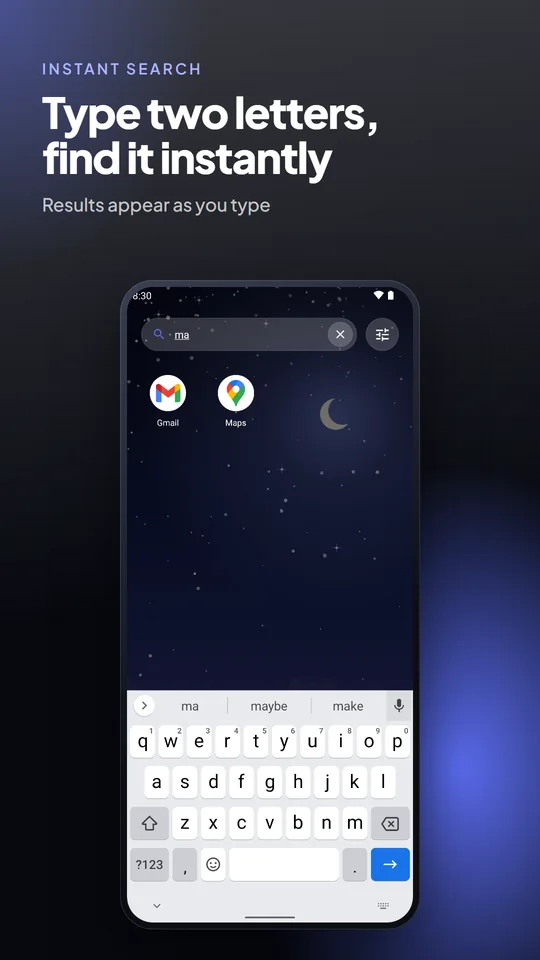
- Instant searchType a few letters and the app shows up.
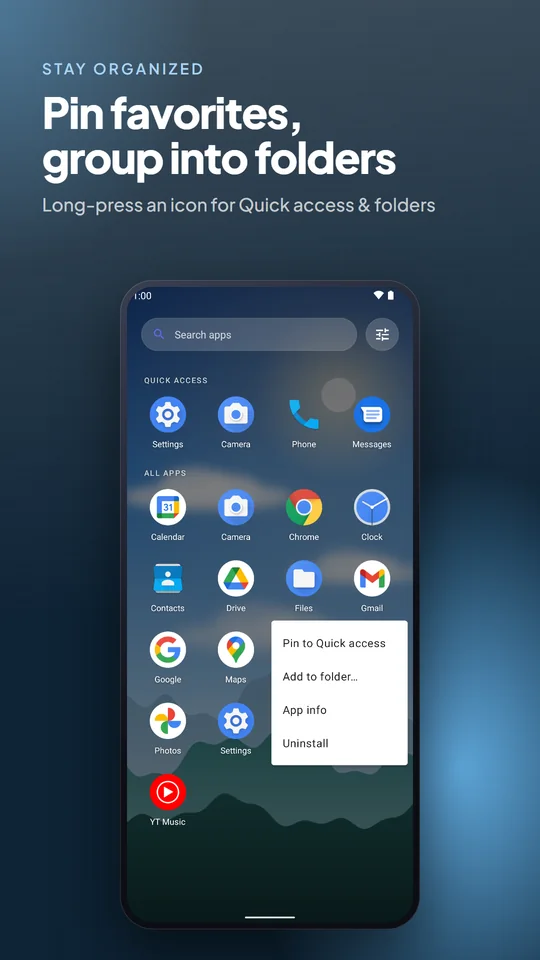
- Quick access & foldersLong-press an icon to pin it to the dock, add it to a folder, open app info or uninstall.
- WidgetsAdd widgets to your home screen.
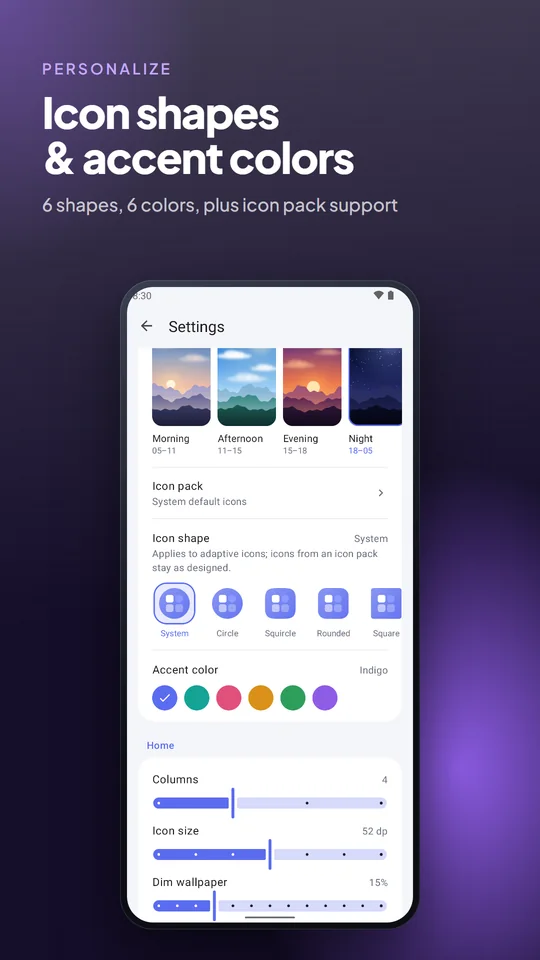
- Personalize6 icon shapes, 6 accent colors, icon packs (ADW, Nova, GO formats), System/Light/Dark theme, columns, icon size, labels, wallpaper dim, clock, blur and haptics.
- Two languagesEnglish and Bahasa Indonesia, switchable in Settings.
- Peluncur Premium (optional)One-time purchase, no subscription: no ads, and your own photos as the morning, afternoon, evening and night wallpaper. Restore it anytime.
Your Privacy
- Your settings, folders and pinned apps stay on your phone. We do not run a server for this app.
- No account, and no access to contacts, SMS, call logs, precise location, microphone or camera.
- The free version shows Google AdMob ads on the Settings page only. Your home screen and app drawer are always ad-free, and Premium removes ads entirely.
Requires Android 7.0 or newer. Questions or feedback? smartsolusiapps@gmail.com
Become a tester
Peluncur Aplikasi Cepat is in closed testing on Google Play. We need 12 testers: install the app and keep it on your phone for 14 days.
- Join the Google Group
Use the same Google account that you use for the Play Store on your phone.
Join the group - Opt in to testing
Open the opt-in page and tap “Become a tester”.
Open the opt-in page - Wait about 10 minutes
Google Play needs a moment to activate your access. If the app page says the app is not available, wait a little longer and try again.
- Download on Google Play
Install the app, press Home and choose Peluncur as your home app, then keep it on your phone for at least 14 days.
Open on Google Play
Found a bug or have a suggestion? Email smartsolusiapps@gmail.com. Thank you for helping!